Here are top 5 handpicked apps that let you make calls to anyone without revealing the number to the receiver. This Trick help in making private calls and pranking your friends etc.
We dug around to see which smartphone apps are the best for throwaway phone numbers, and here's what we've come up with—for Android and iPhone—in no particular order.
#1 : Hushed :
The app works for both Android and iOS, and offers a free 3-day trial. You can pay for a private number with relatively cheap ingoing/outgoing per minute rates, or join an actual plan. In my opinion, the best deal is the $4.99/month per new number for unlimited use, which makes it an excellent deal if you use it a lot. If you decide to delete the number, you'll have to start over with a new one and new plan.
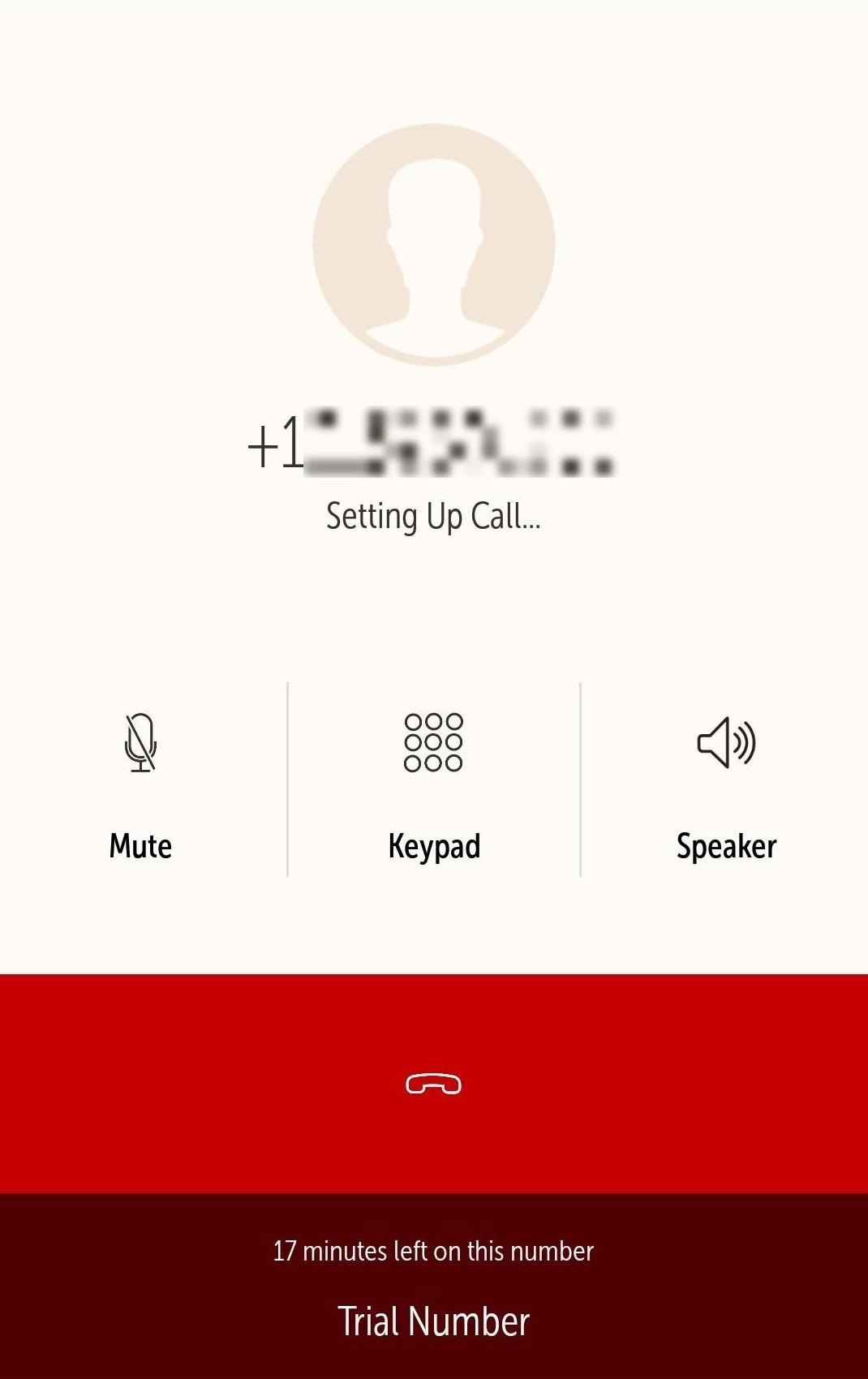
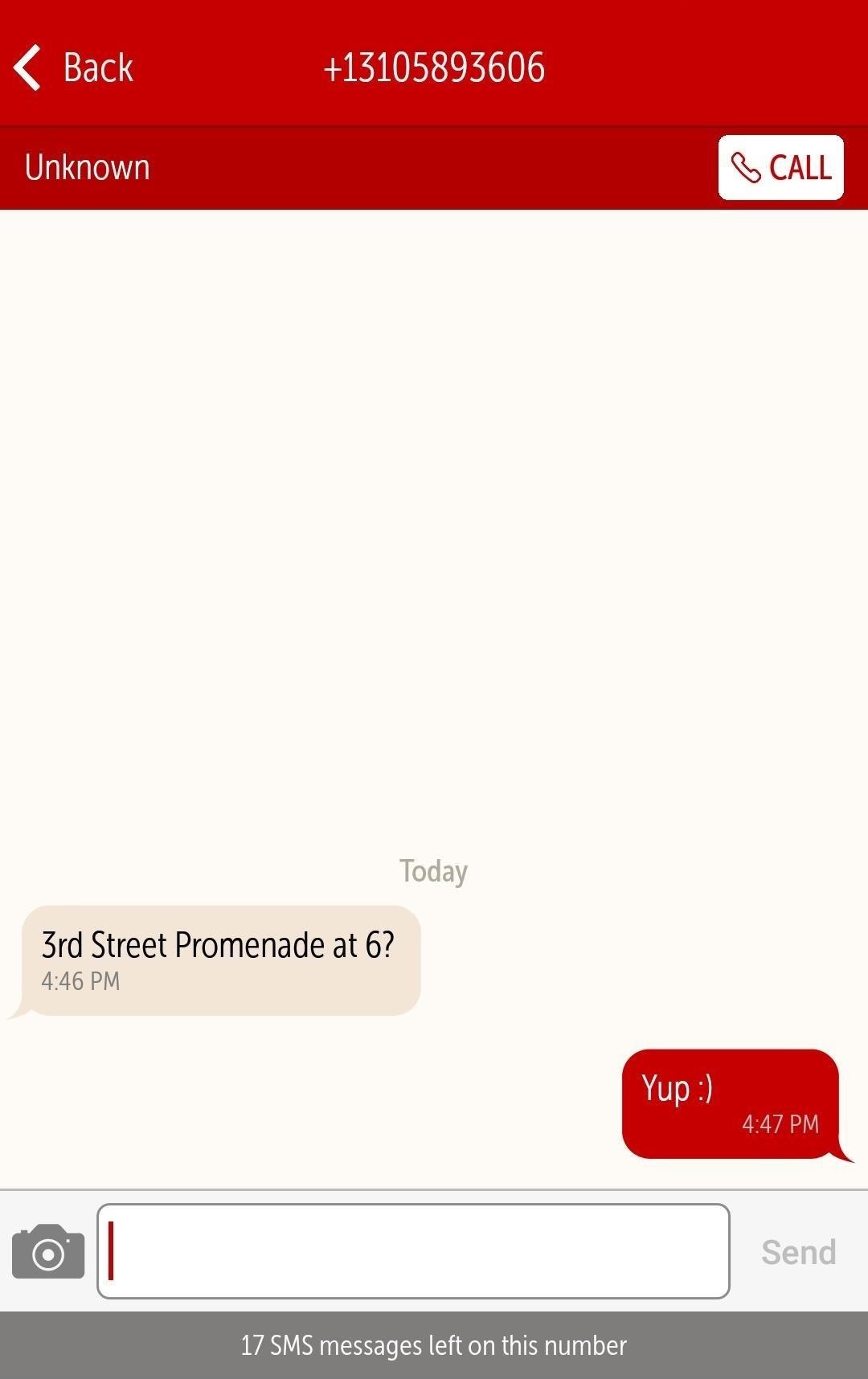
Hushed also allows texting, though the feature is only available for the US, Canada, and the UK for now. If you prefer messages to self-destruct once they're opened, then Hushed has you covered there as well; simply turn on the included Private Messaging feature (which requires both parties to use Hushed) and you're all set.
#2 : Burner :
The app has a relatively clean layout, and allows you to call and text from a new private number that you select—but it's only available in the US and Canada. Unlike Hushed above, Burner numbers will use minutes from your normal carrier plan, but Burner does also have a separate voicemail inbox.
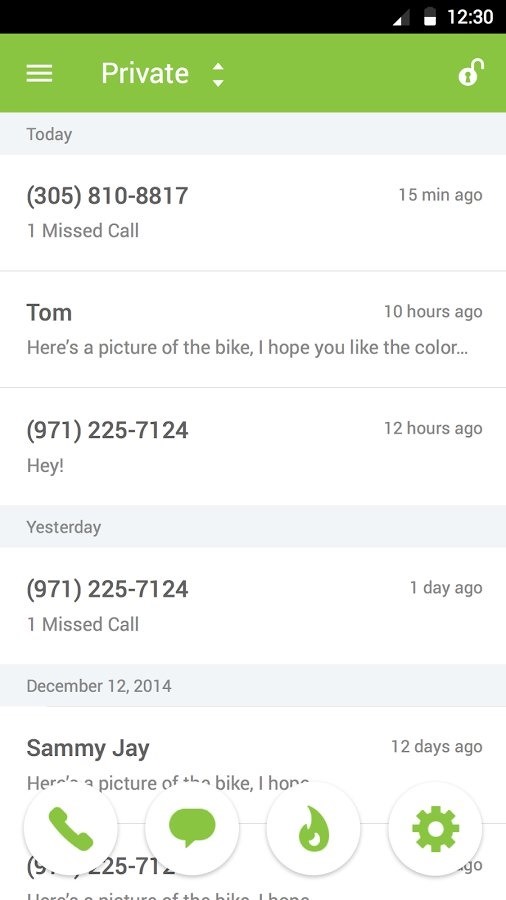
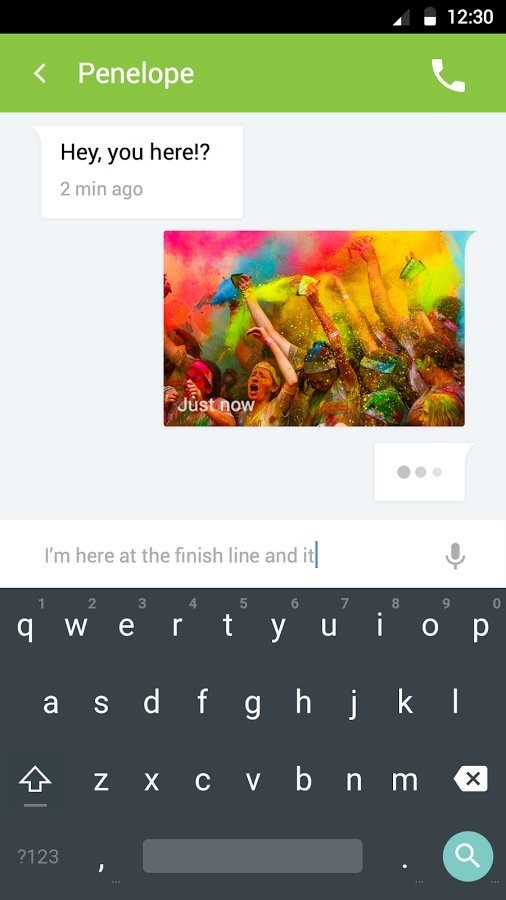
The best part about Burner is that they let you "burn" your number, so you can toss it out and get a new one in seconds. You can try out Burner with a limited 7-day trial. There's no standard plans available; instead, you purchase credit packs starting at $1.99, which can be used to buy a burner number for a week, two weeks, a month, etc. with different calling/texting allotments. These can be extended with more credits, and you can also pay $4.99/month per new number for unlimited use.
#3 : Sideline :
Sideline is a budget-friendly calling app. Like Burner, it's US and Canada only, and it uses your carrier network, so calls made or received with Sideline will show up on your carrier bill. There's also a few ways to make the voicemail separate from your real number. As a bonus, you can even port phone numbers over to Sideline, in case you don't want to let one go from another service.
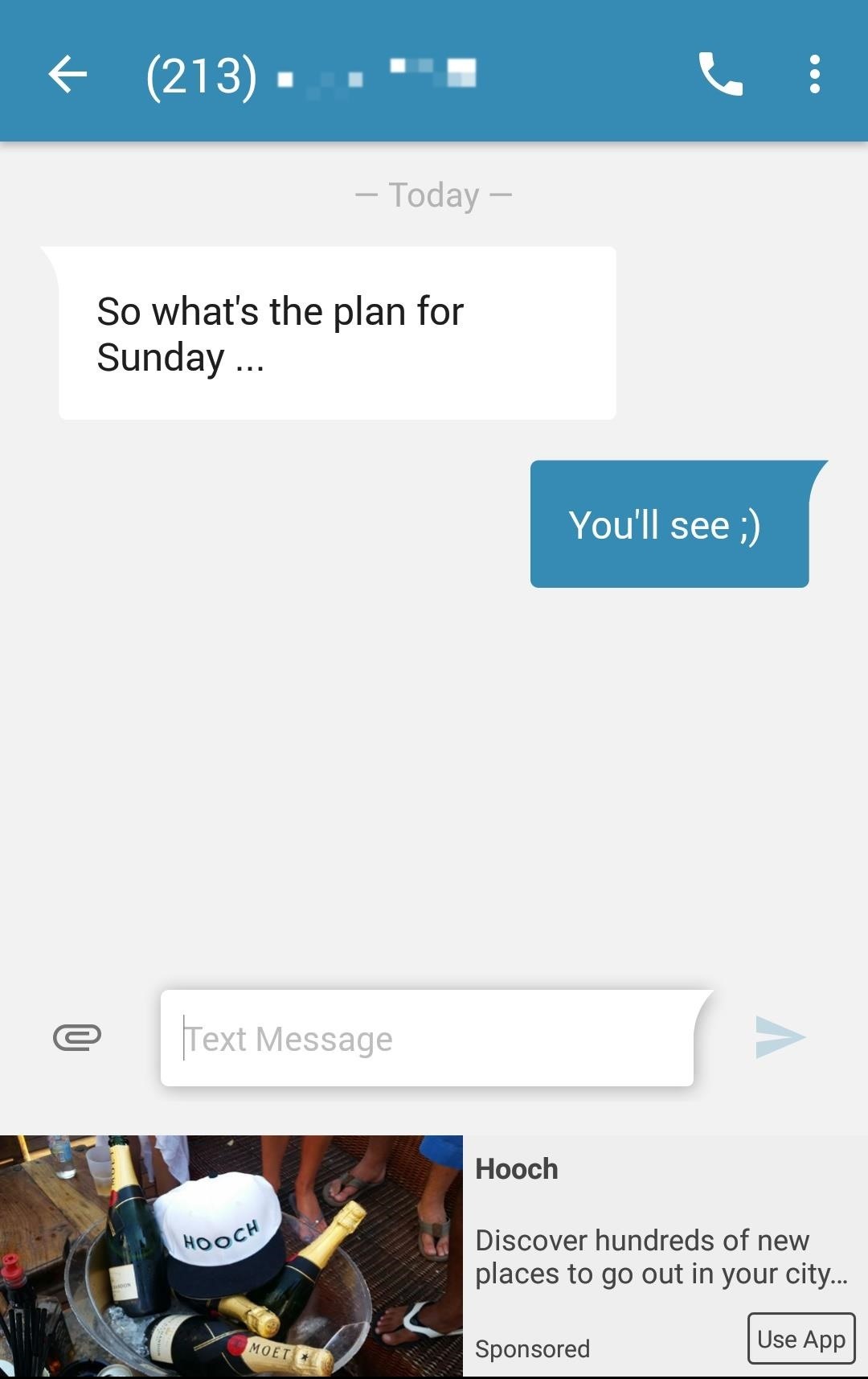
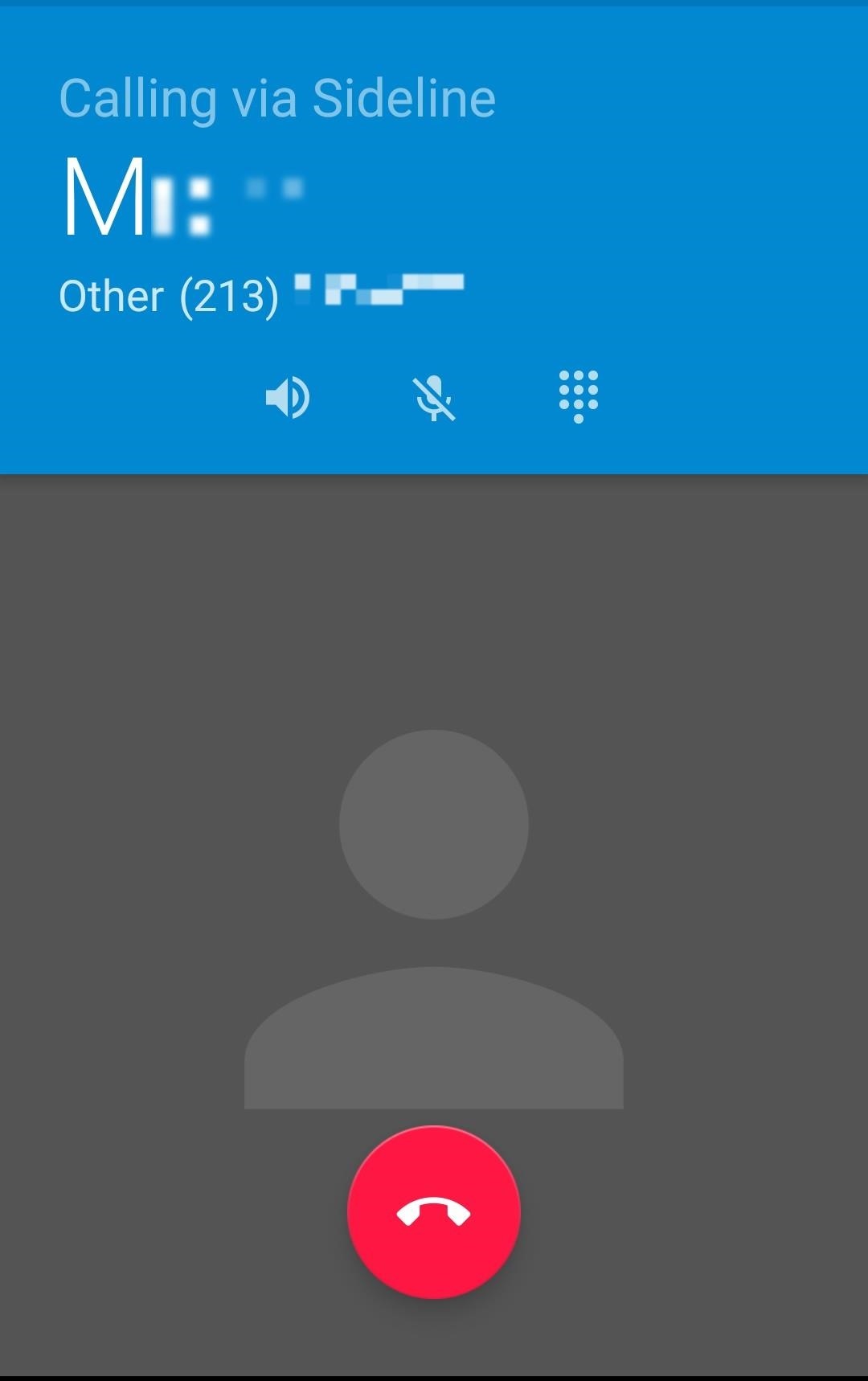
The best part about Sideline is that it's totally free, for the most part, and supported by ads. However, you can get rid of advertisements by paying for the Pro subscription for $2.99/month, and it will also let you toggle between Wi-Fi and cellular calls. Overall, it's a bit basic, but much cheaper, so definitely check it out if you don't need the enhancements of other apps.
#4 : Line2 :
Line2 offers you personal and business features, at comparatively affordable prices. You can select a US or Canadian phone number, granting you 5,000 calling minutes per month and unlimited messaging—that don't count against your cellular plan—with low international call and texting rates. There's also call forwarding, group calls and messaging, and voicemail-to-email notifications.
Also Read : How To Run Android Apps Without Installation ( Tutorial )
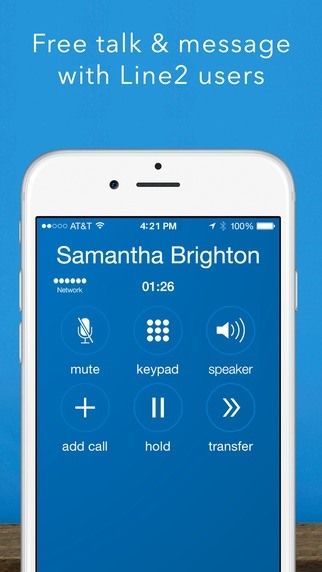
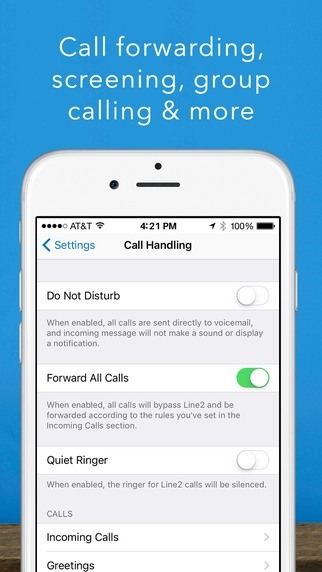
The best part is that it can be used on more than just your Android or iOS smartphone; there's apps for Mac, Windows, Amazon Fire, iPad, and Apple Watch.
#5 : TextMe Up :
You can call other TextMe Up, FreeTone, or TextMe users for free, but in order to make phone calls to anyone else, you will need to either subscribe or purchase or "earn" credits by watching videos or completing offers. To get unlimited calling to your TextMe Up number, it's an affordable $2.99/month per line. Also, the first number you create is free, but you'll have to pay for additional numbers.
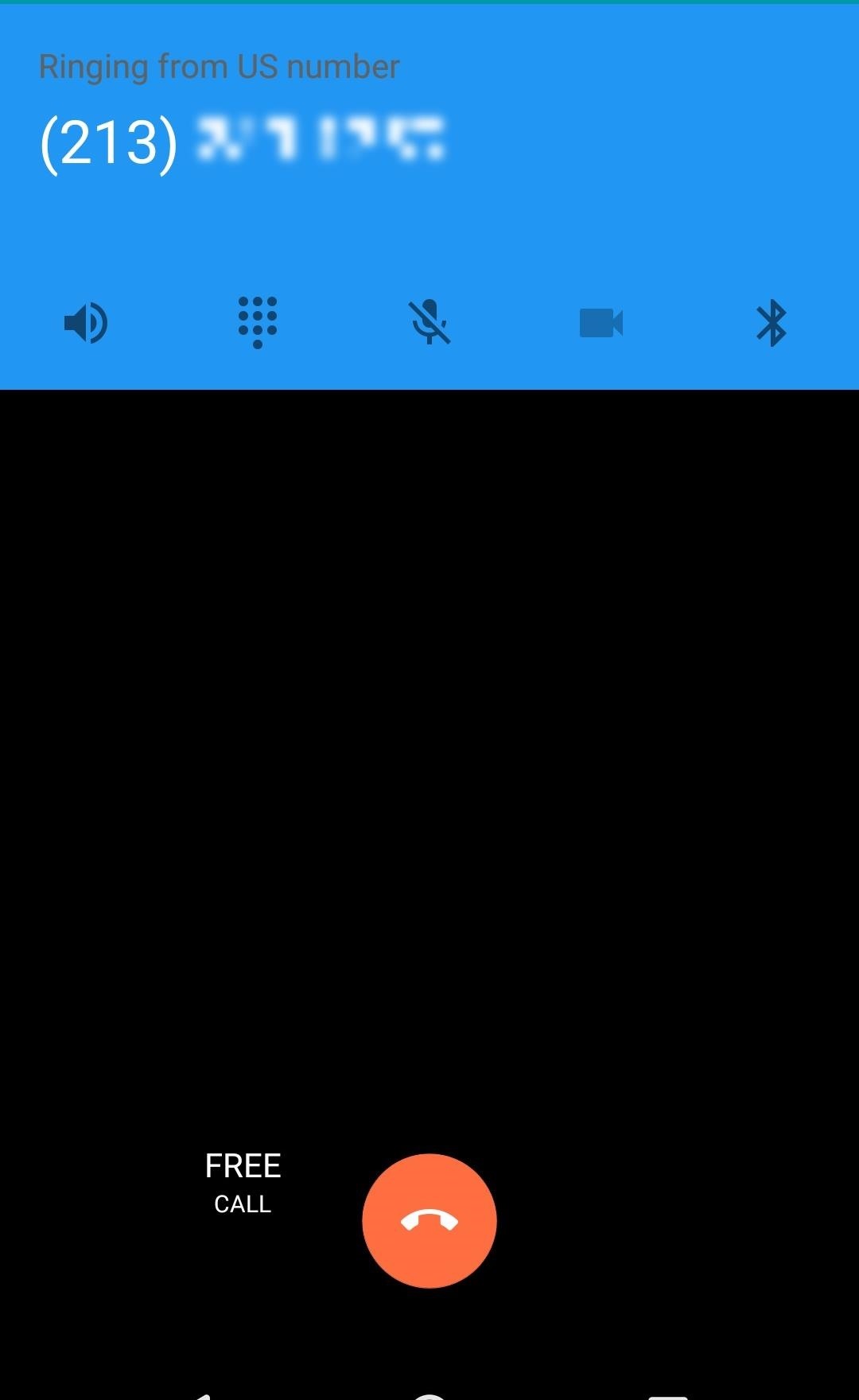
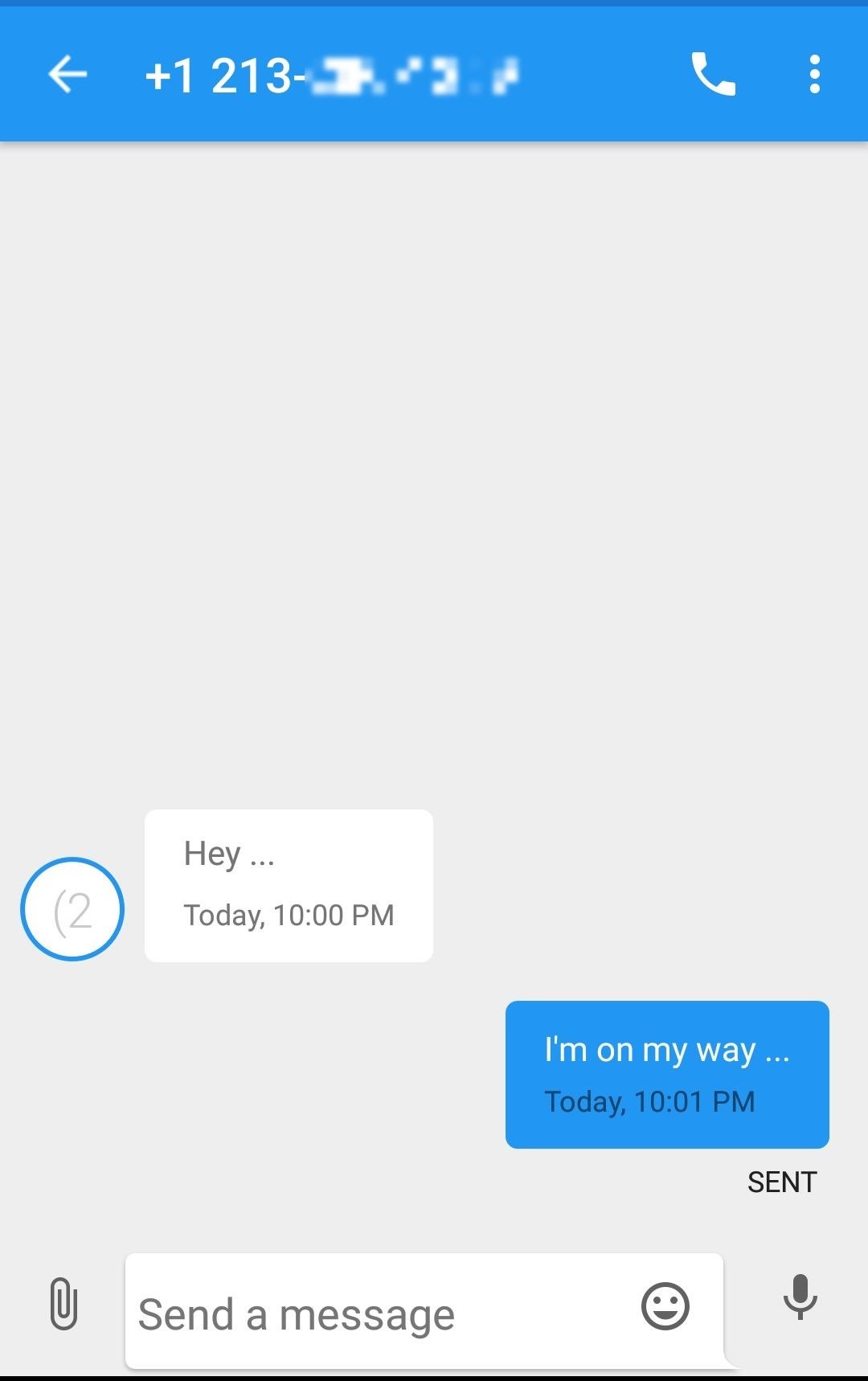
The app is relatively new, and in my experience, it was a bit buggy. However, I think the app has a lot of potential and is definitely worth checking out.
We all know very well that most sites offer free access to content displaying ads. However, this becomes less feasible as more people use adblockers. What to do? According to the latest reports, we have discovered that a well-known web browser will simply pay all its users for watching ads.
Most sites offer free access to content simply by displaying ads. However, this becomes less feasible as more people use adblockers.
Brave, a browser that blocks ads by default, will now give cryptocoins. The goal is to give a reward to anyone who helps maintain the business model that is being implemented.
Those who agree to participate in the program will receive the amounts through the basic attention token (BAT). It can not be turned into money, but it will be for you to support the creators it accompanies and free the paywall from some sites.

Brave says the model will benefit advertisers, content producers, and users. “When Brave’s ad system becomes widely available, users will receive 70% of gross ad revenue while preserving their privacy,” the statement said.
The main difference from Brave’s ad system is that a data will not be under the control of the company. The browser will make recurring downloads of region-based and language-based advertising catalogs. From your navigation, it will display the best ads in that catalog at the appropriate time.
“Instead of sending and exposing data to third parties in cloud-based auctions, Brave’s approach allows a more efficient and direct opportunity to get the user’s attention without the responsibilities and risks inherent in large-scale data collection,” says company.

The system is still in testing and will expand gradually in the coming months. In the first step, the browser will accompany a group of users to understand how they interact with 250 pre-selected ads.
They will use a special version of the program that will record navigation data in detail – something the default browser does not do. The information will not be shared with third parties and will only serve to train the machine learning system responsible for displaying the ads.
Also Read : This App Lets Your Friends Spy On Your WhatsApp
The Brave model already seems to have market interest. Last year, its initial offer raised $35 million. In addition, vehicles such as the Washington Post and the Guardian have already adhered to the browser’s proposal.
Learn How To Unlock Android Lock Screen By Sending SMS: Simple Method that will help you to recover your secuirty pin or password with just a simple text message when your forget your pin or password. Know much more about this trick to unlock your Android lock screen by just sending SMS.
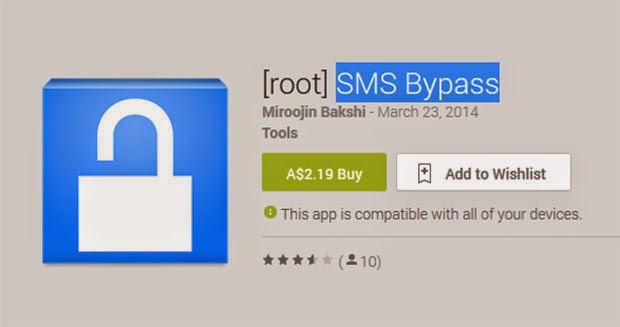
This method is workable with an awesome app named SMS Bypass. This app allows you to set an appropriate recovery message and this message will get cached in the app itself and whenever you send a text message with that secret code, your pin or password will be bypass and you can access your android. Implement this method using the steps discussed below.
Requirements:
- Rooted Android
- Android 4.0 or above.
Steps To Set SMS Bypass Lock App:
Step 1. First of all download and install the app Sms Bypass in your android. Now open the app and give it the permanent superuser(root) access to it.
Step 2. The default secret code is 1234 in this app you can change it according to your wish like “1111″.
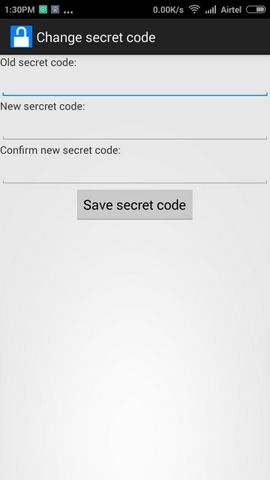
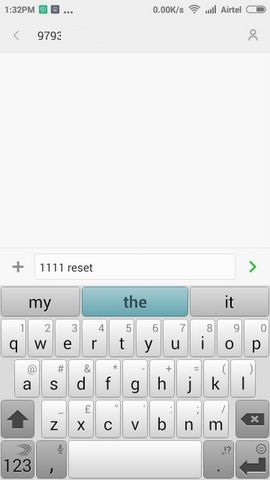
Step 3. Send the Secret code from the other phone with following format secret-code reset, for example, 1111 reset.
Step 4. Now enable the remote password to reset there. You will find this under setting tab in SMS Bypass App.
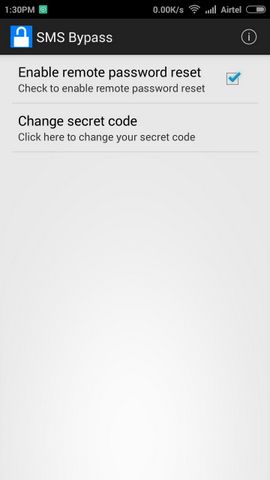
That’s it! your screen security will get bypassed by this method and you can access your android.
We all know very well that extensions give browsers additional capabilities that do not exist natively. They are small additional tools that simply help users. However, now according to the latest reports, recently, a well-known extension caught stealing users’ data secretly and sending it to another firm for its own profit.
Extensions give browsers additional capabilities that do not exist natively. They are small additional tools that simply help users.
However, they are not always controlled by browser stores, hence, there may be problems. This is what is happening now in Chrome and Firefox, with a much-needed extension, Stylish.
This extension exists for both Mozilla Firefox and Google Chrome browsers and allows users to customize the pages they visit, giving them a unique image by changing the many elements of these pages.
These features made this extension an option for many users, who seek to personalize their navigation, giving a new image to the sites they visit.
Since changing hands last year, Stylish has undergone some changes, which have gone unnoticed by all users. An analysis now found that Stylish is sending browsing data to its parent house, the SimilarWeb, and that allows users to identify unequivocally.
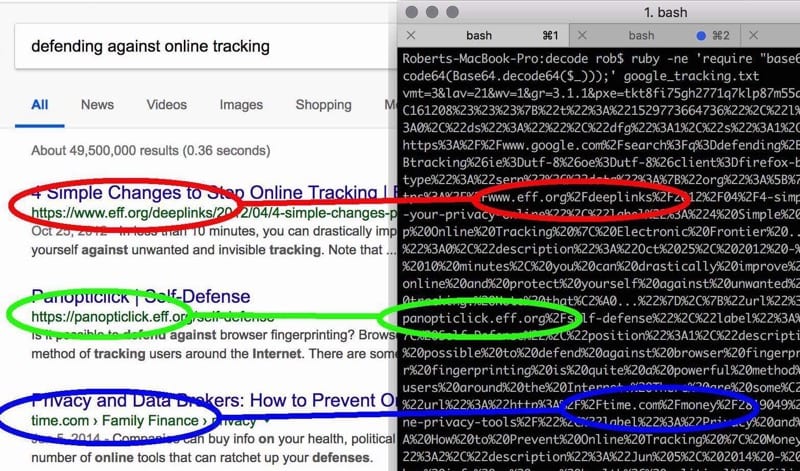
The security researcher who discovered this behavior detailed this situation and reported that too much data is being sent anonymously as expected.
The bigger problem is that this information also follows a unique identifier of each user, which allows tracing the data collected for each of the users, something that violates their privacy.
SimilarWeb has expressed in its policy the collection of data but refers that it does so anonymously, something that does not actually happen, as it has now been proven.
Both the Chrome and Firefox versions have been removed from their stores, but it is now necessary for users to remove Stylish from their browsers, or they will continue to send data to SimilarWeb.
We all know very well that the instant messaging application WhatsApp is the most used communication apps always gives its users the latest features. However, now according to the latest reports, recently a new app appeared on the web that simply lets your friends spy on your WhatsApp.
WhatsApp is one of the most used communication apps, giving users the latest features. Of course, there are some hidden and that many are aware of.
Chatwatch now comes to explore these features, showing you a lot of information about your contacts, even some that you thought were not possible.
Also Read : HOW TO INCREASE YOUR SNAPCHAT SCORE IN MINUTES [1000+ Snapscores Daily] [With Proof]
What Chatwatch does is very simple and only uses information that is public about WhatsApp users. This information includes the times when users were online and how long they were online.
With this information, you can extrapolate a lot, from the actual connection time to WhatsApp to who the users were talking to. This last information is not 100% reliable since it is done by estimation.
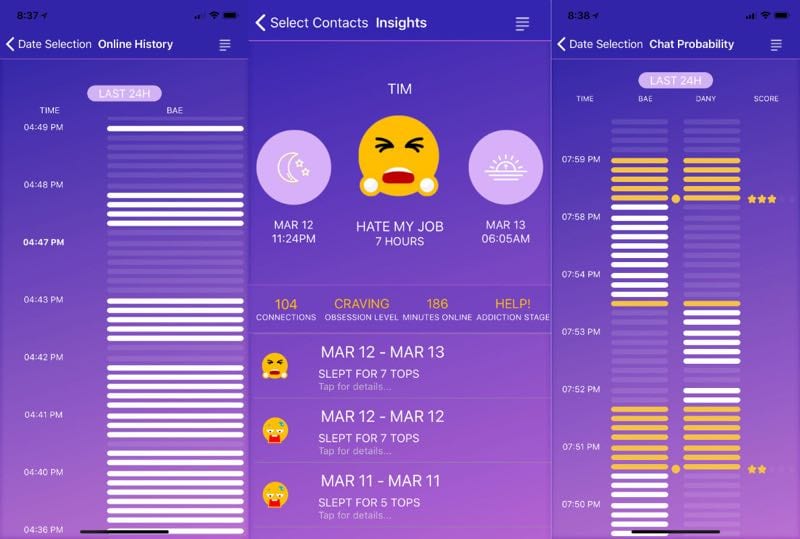
But Chatwatch goes further and can show when users check if they have WhatsApp messages and how long they are sleeping.
Something curious is that Chatwatch can learn all the connection information, even when users have Last Seen disabled. The way this information is obtained has not been explained.
Chatwatch was available for iOS and Android, but the tech giant Apple’s iOS version has since been removed from the app store without any explanation. The creators of Chatwatch now want to launch a web version, to be immune to these problems.
After all the problems that the social network giant Facebook has had, it is now another of the largest social networking services to give information that many may consider private.
If we talk about an Android operating system, the reason people choose Android over other mobile OS is that this platform has different kind of features for every particular purpose. We have managed to collect some of the useful codes for Android users which will help those who’re worried about being tracked.
Most of the malware is targeted to an Android operating system because Android is now powering a majority of smartphones. Safety should always be our top priority in these cases. Here we are going to mention few short codes that will help you find the settings of your phones and to find out either your messages and information are being tracked.
We have managed to collect some of the useful codes for Android users which will help those who’re worried about being tracked.
Code 1: *#21#
This code will let you find out whether your messages, calls, and other data are being diverted. You can find details about call forwarding. You can even find out where your data, voice, fax, SMS, sync, async, Packet access, and pad access call forwarding enabled or disabled.
Code 2: *#62#
If your friend tells you, that your number is saying no-service or no-answer, then you need to dial this code on your smartphone to find out where your calls, messages, and data are being redirected. There are possibilities that your calls are being redirected to one of your cell phone operator’s numbers.
Code 3: ##002#
This is a universal code to deactivate all call forwarding. This will immediately switch off all the redirections from your phone. If you feel that your call is being redirected, then you can dial this code to stop the redirecting. It will be a good idea to use this code before you have to use roaming so that the money won’t be taken from your account.
Code 4: *#06#
This code is used to find the International Mobile Equipment Identifier (IMEI). This code will be very useful to find the IMEI number of your smartphone. You can note down your IMEI number in a safe place. With the help of IMEI number, you can find your phone if someone steals it.
Code 5: *#*#4636#*#* or *#*#197328640#*#*
This special code allows anyone to track your location and also determine whether someone is following you.
Type in the following code in dial pad and then select the section called UMTS Cell Environment, then choose UMTS RR info. Now note down all the numbers under the Cell ID.
Now move to the main menu and then click on MM info tab > Serving PLMN. Now note down the numbers under Local area code (LAC).
After noting down these two numbers open the website opencelid and select the fourth tab to the left. From there you can determine the location on the map of the basic station that your phone is connected to.
How To Protect Yourself From Spies
Above, we have listed a few codes which would help you to figure out whether you are being tracked or not. However, these codes can’t keep the hacker or spies away from you. So, you should take some appropriate steps to protect your computer against criminals and spies.
#1 Using an encrypted message is the best option to keep your phone away from spies. You can use secure messaging apps like Wickr, Telegram, Chare or Signal which encrypts all your messages.
#2 Don’t ever enable the option ‘Unknown Sources’ on your Android smartphone. The feature is been there for a reason and it provides good security to your Android. If you still choose to enable the option, make sure to disable it after using.
#3 Don’t do banking transaction from your Android smartphone. There are banking apps available in the Play Store, but they are not always the best choice. If possible, don’t store important credentials on your Android smartphone.
#4 There are lots of apps available on the web which claims to find out who’s tracking you. Those apps are often a scam and it just traps users. You should always rely upon your cell phone operator to offer you tracking services. Websites or apps that claim to find out the location of other people are almost certainly acting with criminal intent.
So, these are the 5 codes which will help you to find out more about the settings of your phone and to find out whether your messages are protected or not. Hope you like the article, share it with your friends too!
As fingerprint passwords become more popular with newer phones, the debate over password-protection methods has become a hot security topic.

Apps have made online banking easier, especially when a fingerprint can be used as a password. But how much safer is it to use finger recognition than a typical passcode or passphrase? The answer: it’s a lot safer than regular passwords. Passwords can be easily guessed, which could lead to identity theft and stolen money — but you can’t easily hack a fingerprint. If you want to further protect your phone from hacking, use the anti-hacking feature to ensure that your personal information will not be compromised by dangerous online attacks:
Whichever type of phone you’re using, you can further secure yourself by setting up multiple fingerprints in the password section of your phone’s settings. Not only does it buff the security a bit, but it makes signing in much faster, which is good for those who often switch hands while using their phone. (Bonus points if you can learn to type and tap on your phone while it’s still in your pocket!) Just be sure not to accidentally cancel the fingerprint login by tapping too fast, but if you do, you can always reset it the next time you open the app.
Aslo Read : How To Use Both Data & Wifi at the same time
This system isn’t entirely foolproof, as people can still steal your information online through shopping sites or email scams, but it provides safer and more convenient means for banking on the go. You should continue to practice safe habits with your phone in general and while you bank online, but if people aren’t able to unlock your phone with their fingerprint, they won’t be able to log into your bank account either. Fingerprint recognition was tested for quite a while and is now being included as a feature in almost every smartphone. The technology will only improve from here.


